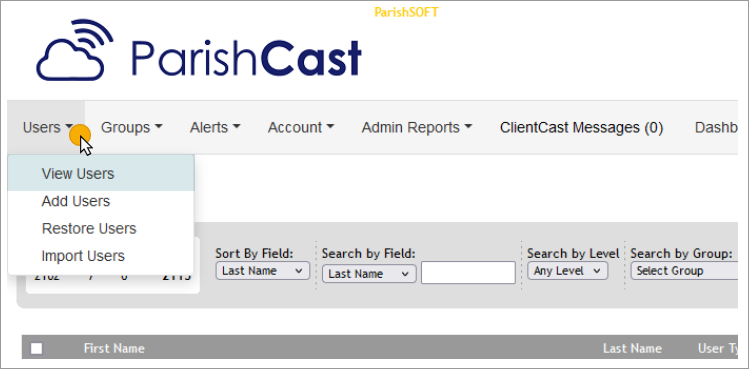
- Go to Users → View Users.
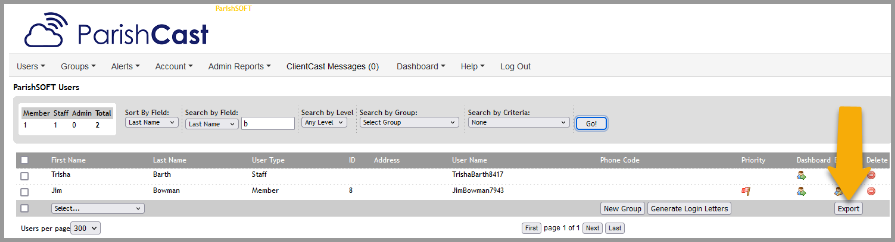
- Filter for the list of users you want to print
- At the bottom right side of the list use the export button to export.
- This will create a spreadsheet of the user's information
- Note:
- If you mark the box next to one or more names only the selected users will export.
- If you do not mark any boxes all users, based on the filters you use, will export.
Updated
Was this article helpful?
0 out of 0 found this helpful
Have more questions? Submit a request
Sorry about that! How can we improve this article?
Thanks! Your feedback helps us improve!
There was a problem submitting your feedback. Please try again later.
If you have an issue that requires help or feedback, please Contact Support.